





✓ Step-by-step guide
Install IBO Player
on Samsung / LG Smart TV
Follow these 4 simple steps to get IPTV Nords running on your Samsung / LG Smart TV with IBO Player.
1
Find IBO Player in Your TV App Store
IBO Player is available natively in both the Samsung Tizen Store and the LG Content Store — no sideloading needed.

How to do it:
- Samsung: Press Home → Apps → Search icon → type IBO Player
- LG: Press Home → LG Content Store → Search → type IBO Player
- Select IBO Player from the results and tap Install
- Wait for the download to complete, then open the app
2
Note Your MAC Address
When you first open IBO Player, it shows a MAC address and Device Key on screen. You need this to activate the app.
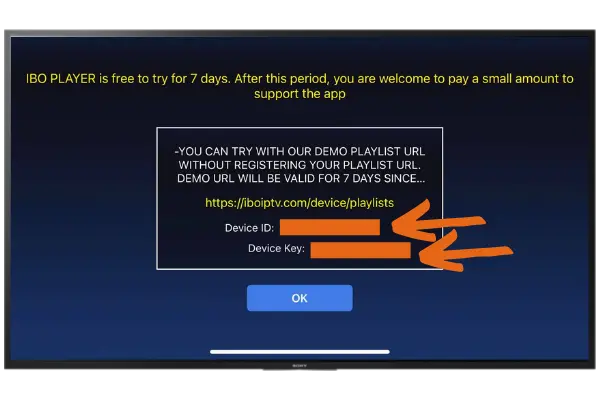
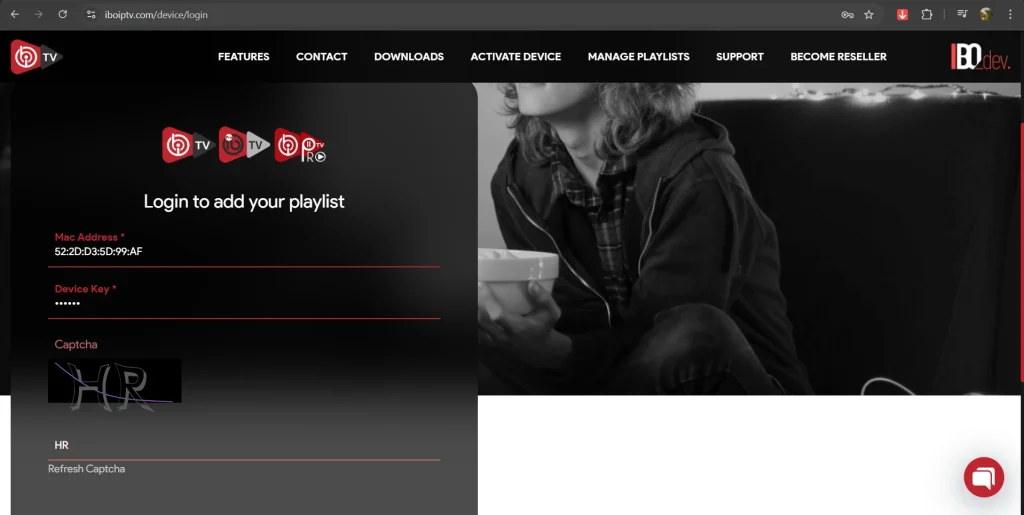
How to do it:
- Open IBO Player on your Smart TV
- The welcome screen displays your MAC Address and Device Key
- Write down or photograph the MAC address — you will need it in the next step
📋 Note the MAC address shown on screen — you will need it to activate the app on the developer website.
3
Activate IBO Player and Add Your Playlist
IBO Player offers a 7-day free trial. After the trial a one-time activation is needed. Then add your IPTV Nords M3U playlist.
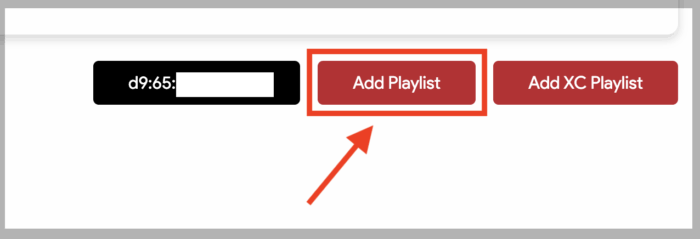
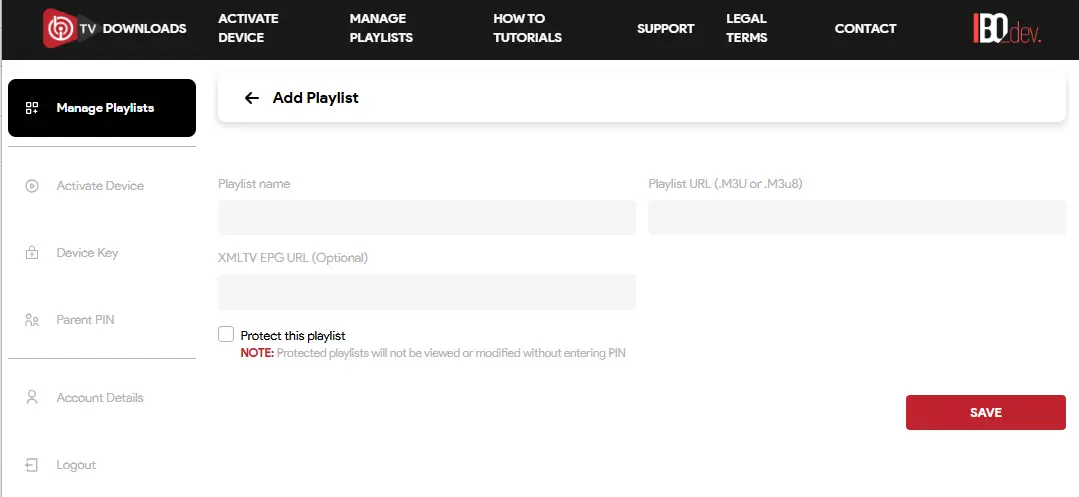
How to do it:
- In IBO Player tap Add Playlist or Xtream Codes
- For M3U — paste your IPTV Nords M3U URL:
http://server.iptvnords.com:PORT/get.php?username=XXXX&password=XXXX&type=m3u
- For Xtream Codes — enter your IPTV Nords username, password and server URL
- Tap Save and wait for all channels to load
📧 Your M3U URL is in your IPTV Nords welcome email. Contact live chat support if you need it resent.
4
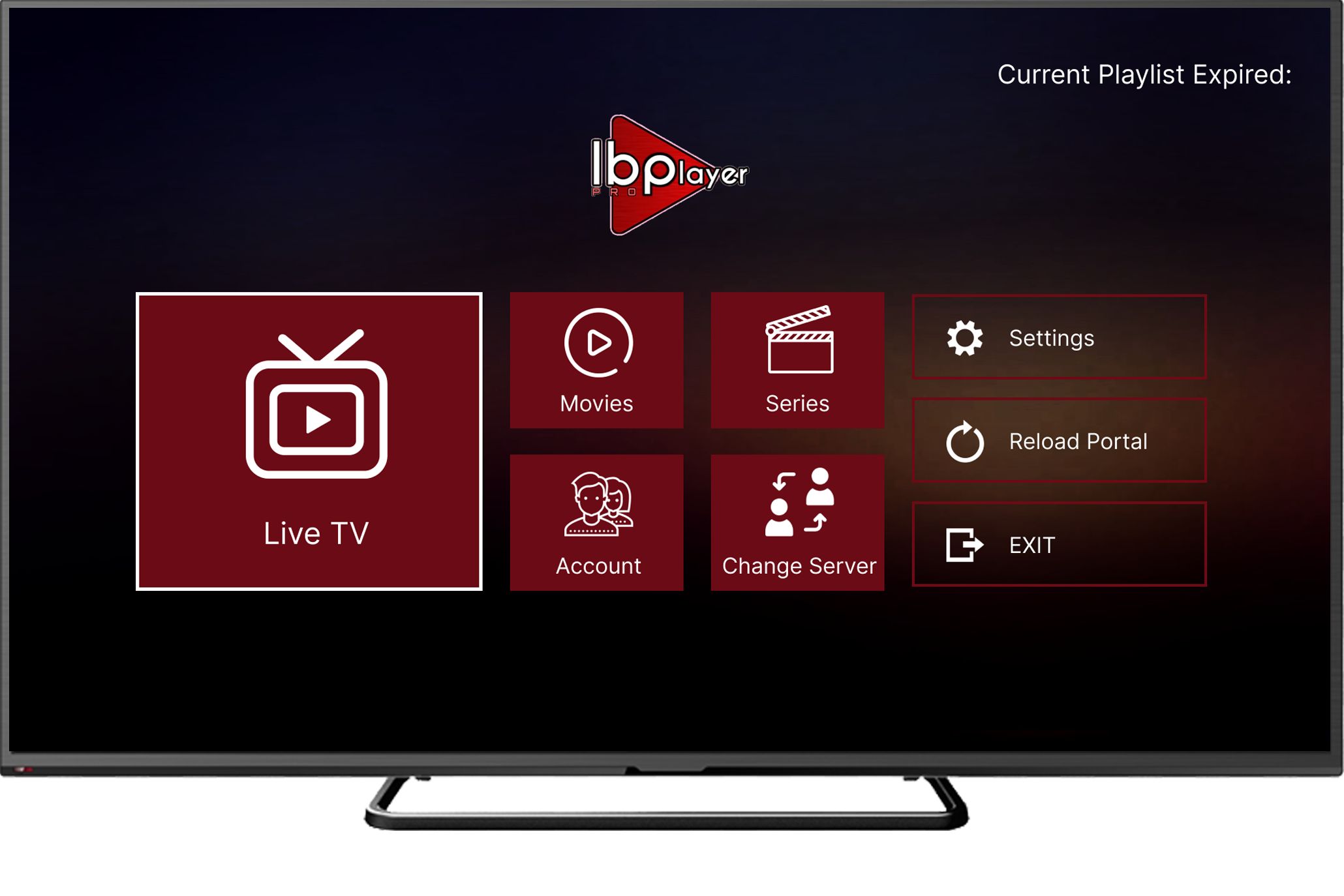
Browse 19,000+ Channels with EPG
IBO Player loads all your IPTV Nords channels with full EPG guide support and multiple layout options.
How to do it:
- Browse Live TV channels sorted by category and country
- Switch between 3 layout options using your TV remote
- Press the Guide button to open the full EPG programme schedule
- Long-press any channel to add it to your Favourites list
💡 For best quality set stream to HD or FHD. Our servers support up to 4K on compatible devices.