





✓ Step-by-step guide
Install ibo Pro Player
on Mac/MacBook
Follow these 4 simple steps to get IPTV Nords running on your Mac/MacBook with ibo Pro Player. Setup takes around ~5 minutes.
1
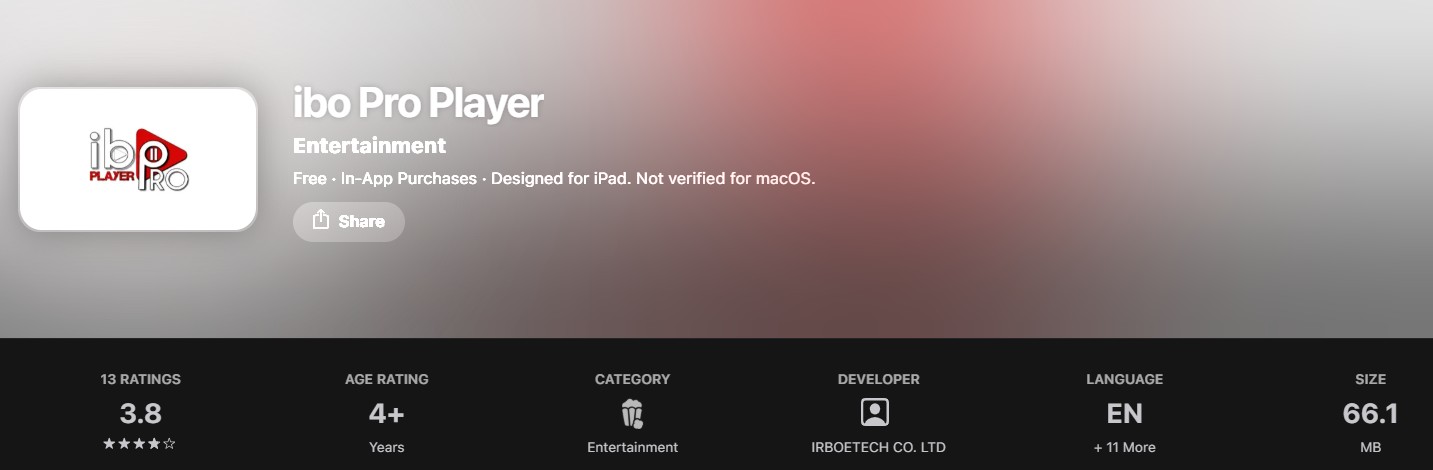
Download ibo Pro Player from the App Store
ibo Pro Player by IRBOETECH is available free on the App Store for Apple TV. Supports iOS 14+, tvOS 14+ and macOS 11+.
How to do it:
- Open the App Store on your device
- Search for ibo Pro Player by IRBOETECH CO. LTD
- Tap Get — free to download
- Open the app once installed
2
Upload Your Playlist via the ibo Website
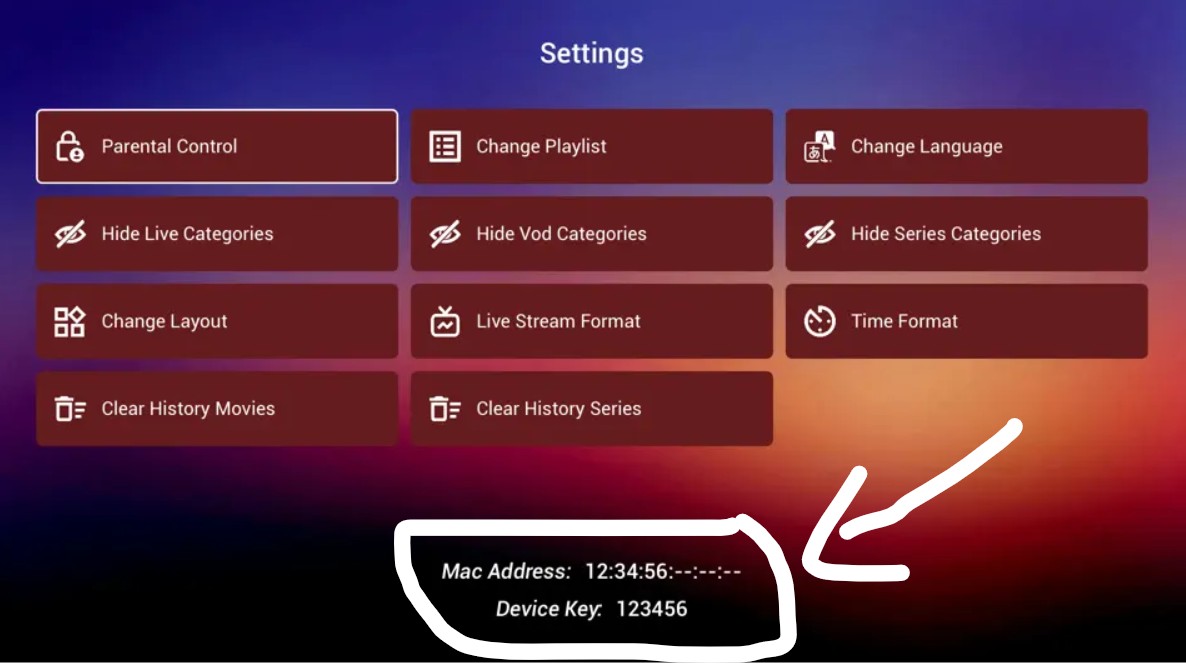
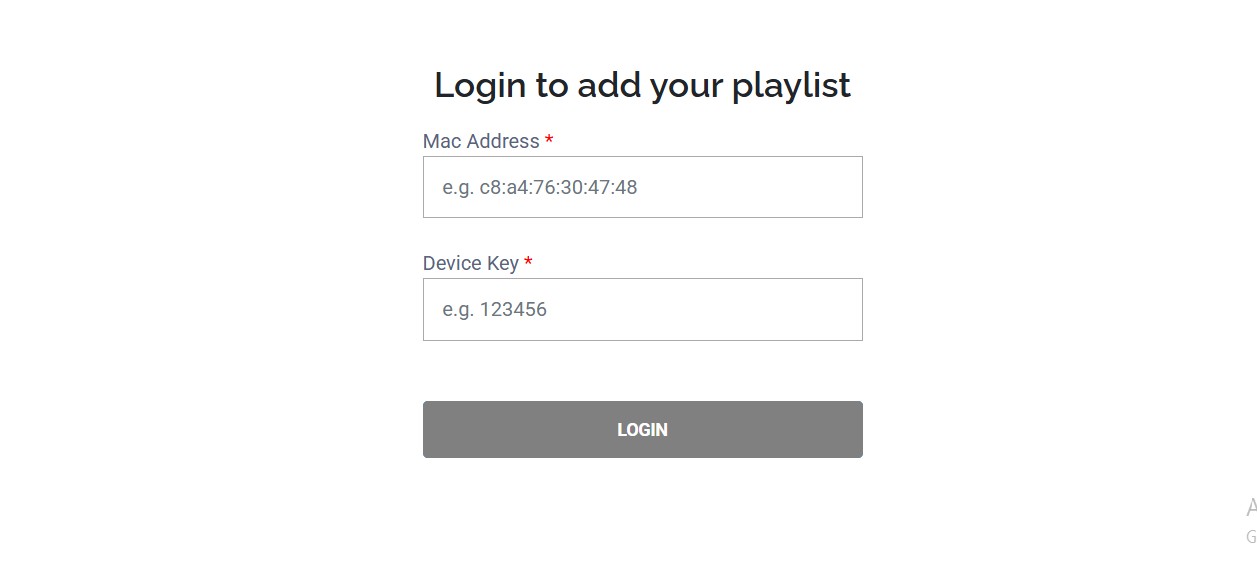
The easiest method is to upload your M3U URL on the ibo website using your device's unique ID. Changes appear on your device instantly.
How to do it:
- Open ibo Pro Player — it shows your Device ID
- On any browser, go to iboplayer.pro and click Activate
- Enter your Device ID and paste your IPTV Nords M3U URL
- Save — your channels appear on the app instantly
💡 ibo Pro Player offers a 7-day free trial. After the trial a one-time in-app activation is required to continue.
3
Or Enter M3U URL Directly in the App
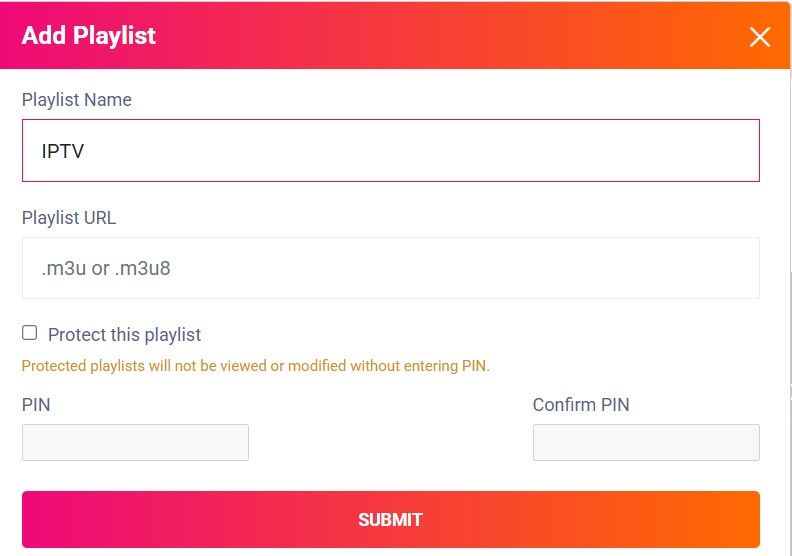
You can also add your playlist directly inside the app without using the website.

How to do it:
- In ibo Pro Player tap Add Playlist
- Select M3U URL and paste your IPTV Nords link:
http://server.iptvnords.com:PORT/get.php?username=XXXX&password=XXXX&type=m3u
- Tap Save and wait for channels to load
📧 Your M3U URL is in your IPTV Nords welcome email. Contact live chat support if you need it resent.
4
Browse Channels with EPG, Subtitles and Parental Controls
ibo Pro Player loads all your IPTV Nords channels with EPG, subtitle selection, audio tracks and parental controls.
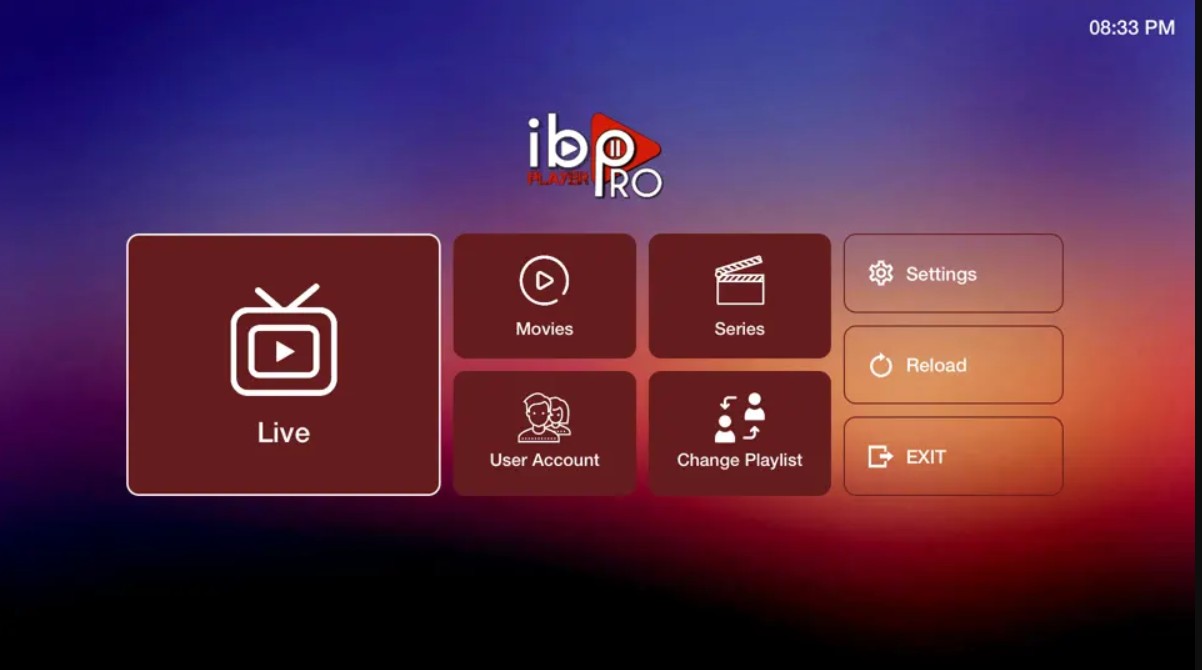
How to do it:
- Browse Live TV, Movies and Series
- Tap the EPG button for programme guide and reminders
- Select subtitles and audio tracks in playback settings
- Set up Parental Controls with a PIN in Settings
💡 For best quality set stream to HD or FHD. Our servers support up to 4K on compatible devices.