





✓ Step-by-step guide
Install IBO Pro Player TV
on Android TV Box
Follow these 4 simple steps to get IPTV Nords running on your Android TV Box with IBO Pro Player TV.
1
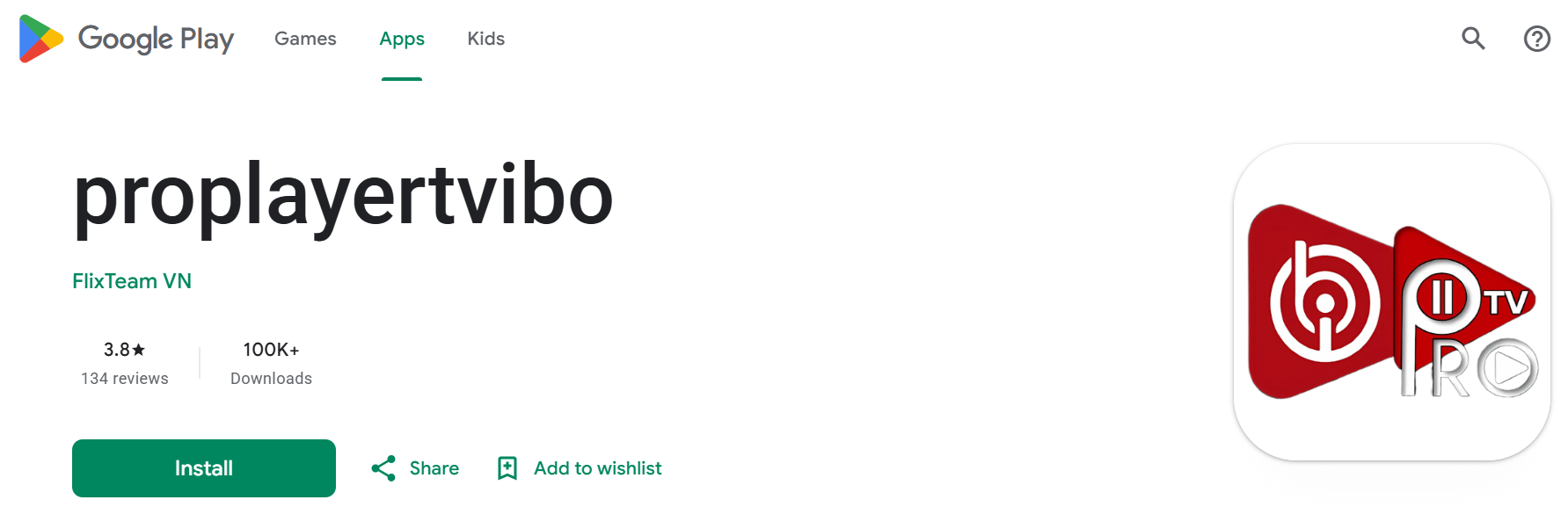
Install IBO Pro Player TV
Get IBO Pro Player TV (proplayertvibo) on your Android TV Box.
How to do it:
- Open Google Play Store
- Search for proplayertvibo or IBO Pro Player TV
- Tap Install — the app is free
2
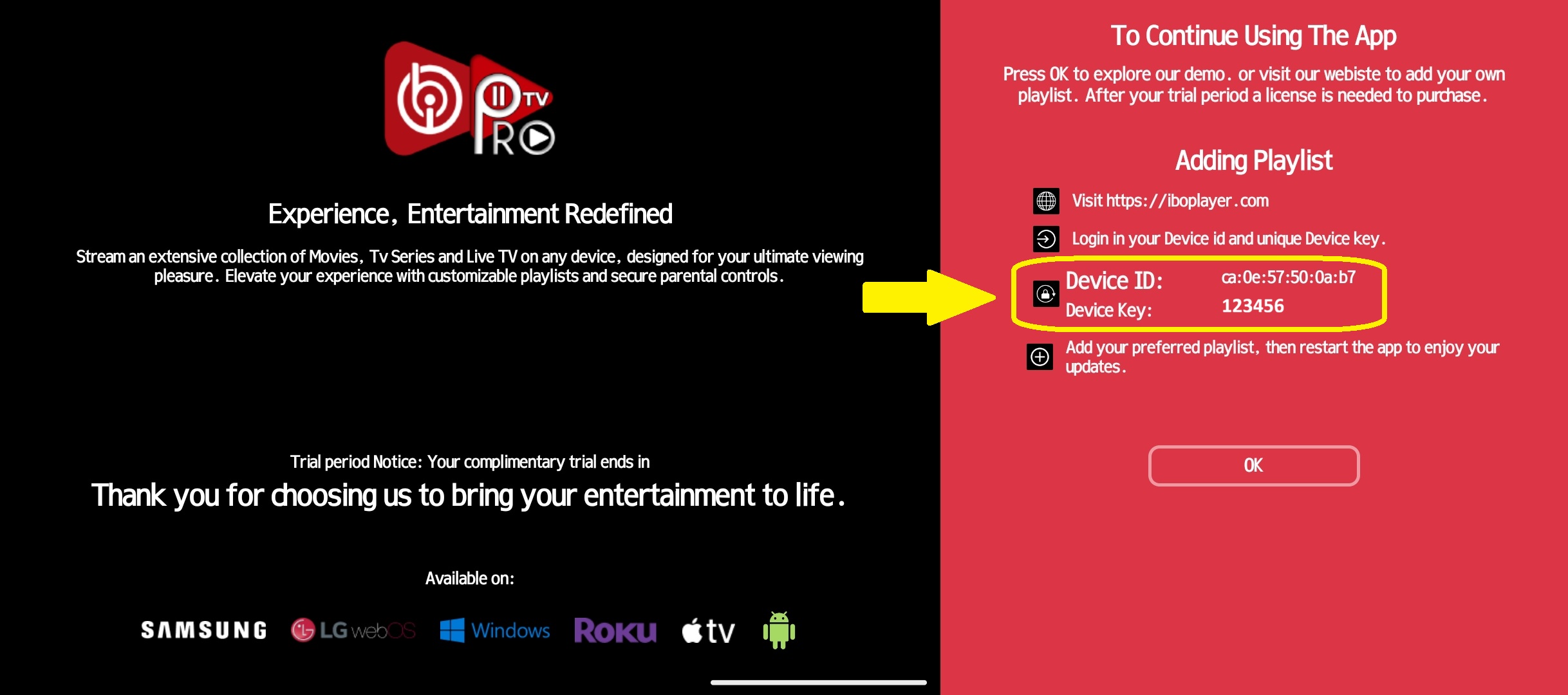
Open the App and Select Add Playlist
Launch IBO Pro Player TV and choose your playlist method.
How to do it:
- Open IBO Pro Player TV
- Tap Add Playlist or Xtream Codes API
- Choose M3U / M3U8 for URL-based setup
3
Enter Your IPTV Nords M3U URL
Paste your M3U URL from your IPTV Nords welcome email into the playlist field.

How to do it:
- Paste your IPTV Nords M3U URL:
http://server.iptvnords.com:PORT/get.php?username=XXXX&password=XXXX&type=m3u
- Or enter your Xtream Codes username, password and server URL
- Tap Save or Confirm — channels will load in seconds
📧 Your M3U URL is in your IPTV Nords welcome email. Contact our live chat if you need it resent.
4
Browse Channels with VLC / ExoPlayer
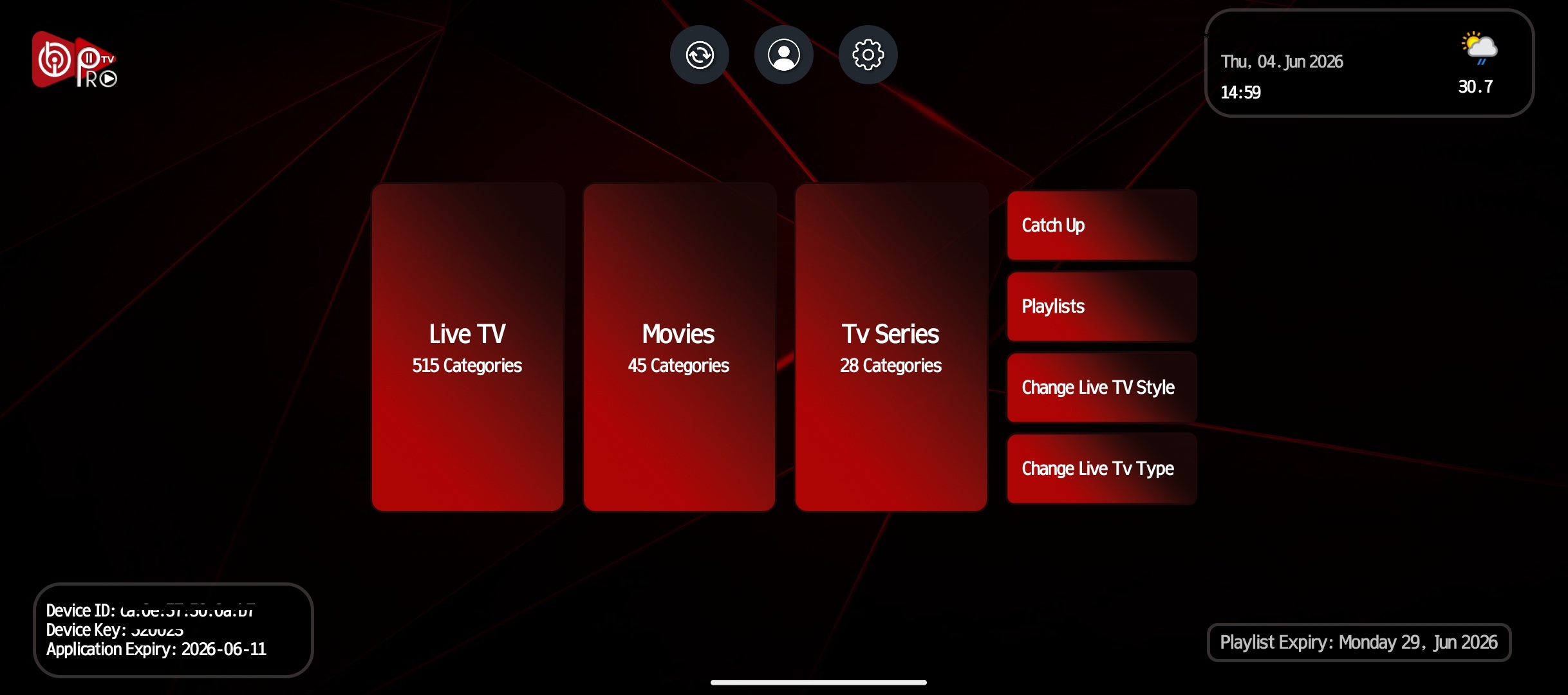
IBO Pro Player TV uses VLC and ExoPlayer engines for smooth 4K playback.
How to do it:
- Tap any channel to start watching
- Switch between VLC Player and ExoPlayer in settings for best quality
- Use Search to find channels fast
- Long-press any channel to add to Favourites
💡 For best quality set stream to HD or FHD. Our servers support up to 4K on compatible devices.